EN
EN  ID
ID 


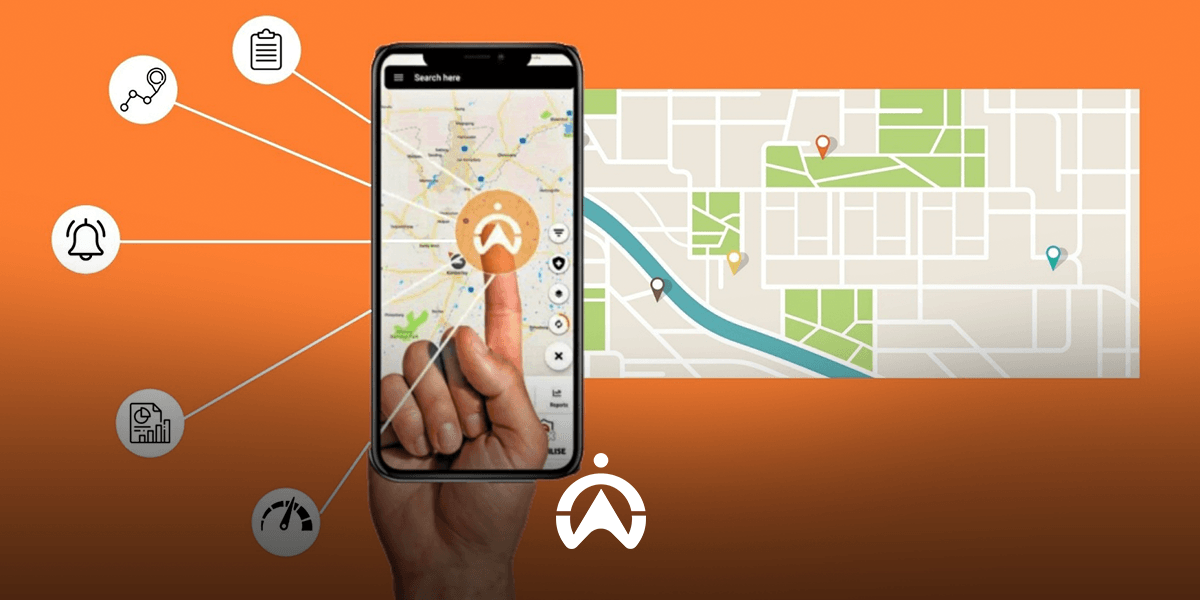
Cartrack’s world-class mobility solution is designed so that you remain in control, from monitoring vehicles 24/7 to ensuring fleet safety remotely. With the Cartrack mobile app, that control is in your hands. All important vehicle information is right at your fingertips, accessible anytime and anywhere.
1. Vehicle Location, Geofence, and POI
You can view the real-time location of all your vehicles on a map in the Cartrack mobile app with a single click. The map can be configured to display geofence and points of interest (POI) that you have created or marked in Cartrack Fleet Web, giving you better insight into vehicle positions.
2. Vehicle Status
When opening the Cartrack mobile application, you will immediately be informed of the number of active vehicles. On the map, vehicle status is indicated by colour. Green represents vehicles that are moving, yellow represents vehicles that are idle (engine running but the vehicle is not moving), and grey represents vehicles that are inactive. In addition, there is a no-signal icon in red, which indicates that the vehicle has lost signal (the device has been disconnected or powered off) or has been inactive for an extended period.
3. Trip History
All completed vehicle routes are recorded in the trip history. You can replay selected trip history and view it on a map. In addition to viewing the travelled route on the map, you can also see the trip start and end times, vehicle speed, distance and duration travelled, as well as the timeline and location of each trip.
4. Logbook
From the trip history, you can identify which trips are work-related and which are non-work (personal). To separate trip records for accounting purposes, use the logbook feature available when accessing trip history. With the logbook, you can mark each trip as either a business or personal trip and add specific notes.
5. Vehicle Statistics
Get detailed information quickly about the performance of each of your vehicles in the Reports menu. You can view statistics on speeding incidents, vehicle utilisation, risk, last known position, and triggered alerts (which you have set up in Cartrack Fleet Web). You can also select the reporting period you want to display, with a maximum range of seven days.
6. Daily Fleet Activities
The Activity menu in the Cartrack mobile application provides quick information about your fleet’s daily activity. Information is displayed per trip (each time your vehicle completes a trip), including the last location, trip completion time, duration and distance travelled, average speed, and the number of triggered alerts.
7. Triggered Daily Alerts
In addition to daily activity, you can also quickly view various alerts triggered by all vehicles on that day in the Alerts menu. This menu is different from the Alert Reports, as it immediately displays all alerts triggered across your fleet on the day you open it. Some of the alerts that can be displayed include engine start/stop events, vehicles entering/leaving a geofence, and vehicle idle status. The configuration of these alert types is done via Cartrack Fleet Web, while the scheduling of alert delivery via push notifications is managed within the mobile application.
8. Data Sensor
If your vehicle is fitted with additional Cartrack sensors such as a fuel sensor and a temperature sensor, you will be able to view real-time sensor data from the mobile application. By simply clicking on a vehicle on the map, you can access various details such as odometer reading, speed, current coordinates, fuel tank volume, and cabin or cargo temperature. Temperature readings are displayed based on the number of temperature sensors installed on the vehicle, with a maximum of four temperature sensors supported.
9. Live Video Broadcast
You can visually monitor your vehicles from the Cartrack application (already available in some of Cartrack’s operating countries and currently being developed in Indonesia). This feature is available if you install a Live Vision camera in the vehicle, which provides live video streaming while the vehicle is in transit.
All this information ensures your fleet remains under your control. You gain an instant, real-time overview of your daily fleet operations. The important insights provided by the Cartrack mobile application are enough to support follow-up actions such as improving productivity, reducing fuel costs, and securing vehicles—all from one small, intelligent application.
The Cartrack mobile application can be downloaded from the Play Store, App Store, and Huawei AppGallery. Contact us now to start monitoring your fleet using the Cartrack mobile application!