EN
EN  ID
ID 


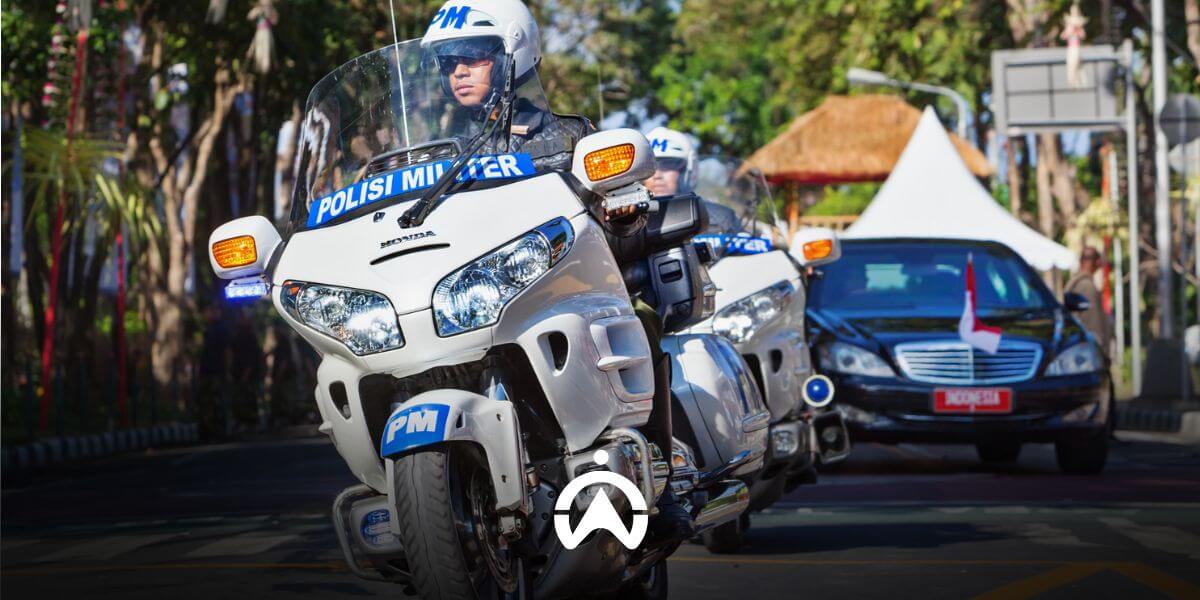
To ensure efficiency in carrying out duties using official vehicles, the government needs to measure vehicle utilisation down to the individual level. However, analysing data at an individual level can be challenging. The implementation of a fleet management system based on GPS vehicle tracking will simplify this analysis process, with results that are naturally more accurate. If you work within the government sector related to official vehicle management, here are several tips for improving the utilisation of official vehicles using a fleet management system.
1. Analyse Usage Trends and Set Standards
To understand usage trends, determine several parameters that provide important insights, such as mileage, duration, and fuel consumption. Then, set minimum and maximum usage standards based on these parameters and the vehicle type, for example, a minimum of 300 km per month and a maximum of 150 litres per month for saloons or SUVs.
Features: fuel sensor, aggressive driving behaviour monitoring (hard braking, sudden acceleration, speeding, and sharp cornering), idle monitoring (leaving the engine running while the vehicle is stopped), trip history, stop history, route replay
2. Identification of Inefficiencies Based on Usage Standards
Identify inefficient use of official vehicles by analysing work trip history. For example, note where vehicles travel, as well as their arrival times and the duration of their stops. You can then determine how actual vehicle usage compares with the standards you have established (see point 1). If vehicle usage is below the standard, you may wish to consider adjusting the number or types of official vehicles in your department.
Features: trip reports, stop reports, idle reports, idle alerts, geofence alerts, vehicle misuse alerts, trip replay, driving behaviour monitoring, fleet performance dashboard.
3. Set Usage Warnings
Ensure that official vehicles are genuinely used to support work activities (PMK No. 76/2015, Article 1), and are only used during office hours and not taken out of town unless with written permission from the head of the institution (PERMENPAN No. 87/2005, Appendix II). Set up real-time alerts regarding usage, such as use outside working hours and outside the city. You can create and use geofence alerts to be immediately informed whenever an official vehicle is taken out of town.
Features: geofence, geofence alerts, out-of-schedule usage alerts.
4. Schedule Better Maintenance
Poorly managed vehicle servicing schedules can disrupt productivity in vehicle usage. A fleet management system can help you schedule preventive maintenance more efficiently by automatically detecting each vehicle’s mileage and engine operating hours. The system can send notifications a certain number of kilometres or time in advance, helping you adjust vehicle usage so that operations are not disrupted.
In addition to preventive and regular maintenance, a fleet management system can also manage predictive maintenance by integrating vehicle CAN bus data (if your vehicles are equipped with a CAN bus electrical system) into the system. You can receive notifications related to engine diagnostics, temperature, and over-revving based on Diagnostic Trouble Codes (DTCs) detected by the vehicle’s CAN bus. This CAN bus data helps technicians accurately identify vehicle issues and fix them before they become more serious, which helps reduce disruptions to productivity.
Features: reminder (service schedule reminders), CAN bus sensor, alerts (for configuring diagnostic notifications from the CAN bus).
The government has both a responsibility and a moral obligation to control budgets and deliver efficient public services. Optimising the use of official vehicles can reduce costs and maintain productivity during working hours. For this purpose, you need the right parameters and technology to help you understand the performance of the official fleet, including identifying issues and areas that require improvement. With Cartrack’s fleet management system , you can do all of this from a single platform. Contact us here for orders, enquiries, and to request an online product demo.