EN
EN  ID
ID 


1. Starter Notifications
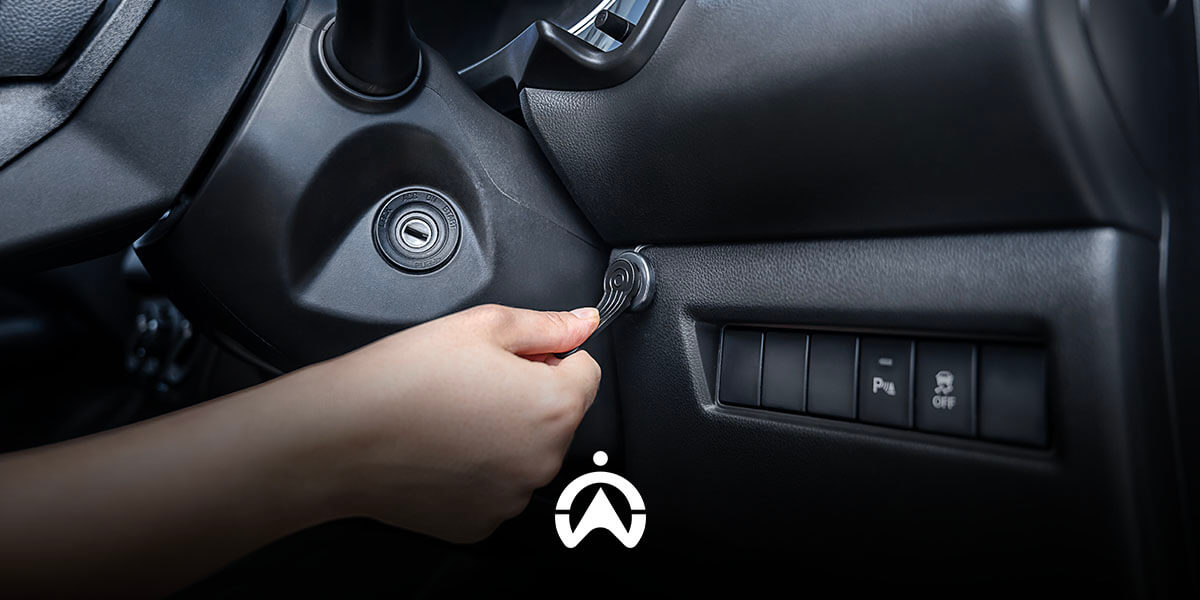
You can monitor both the use and misuse of vehicles by utilising starter notifications. Alerts are sent when a vehicle’s ignition is turned on and/or off, along with location information. This allows you to verify whether the monitored vehicles are being operated at the correct time and location or not. This feature is effective for those managing a small number of vehicles, or for monitoring specific vehicles that are suspected of having a history of misuse.
2. Unscheduled Use Alerts
Vehicle use outside the scheduled plan can be detected using this feature. Operators set alerts by entering the usage schedule for each vehicle. Notifications are automatically sent when a vehicle becomes active outside the defined hours and days. This feature is suitable for company operational fleets that are shared based on a vehicle booking schedule, or for vehicles that already have fixed operating schedules.
3. Geofence
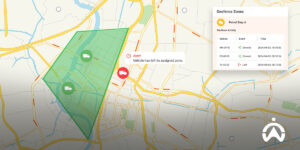
You can also use the geofence feature to track vehicle misuse based on location. You can mark restricted areas that vehicles are not allowed to enter during working hours, such as malls or nightclubs. In addition, you can also define operational zones for your vehicles so that you are notified when a vehicle is taken outside of those designated areas.
4. Route Replay
In addition to geofence, you can also use the route replay feature to check whether there has been any vehicle misuse during operating hours. Route replay displays the historical routes travelled by a vehicle on each trip on a map. One trip is counted from when the ignition is turned on until it is turned off. You can review the route line taken by the vehicle to see whether it deviated to suspicious locations that are not related to work.
5. Stop Time Reports
Furthermore, you can download Stop Time Reports to view how long a vehicle was stationary at suspicious locations identified through route replay. Alternatively, you can detect questionable stops by reviewing the duration and timing of each stop, then checking the exact location on the map using the route replay feature. This allows you to verify whether the vehicle’s stop activity at that location is legitimate or constitutes vehicle misuse as well as working hours violations.
6. Cargo Door Sensor
To determine whether your vehicle’s cargo is being misused for deliveries outside of work (side jobs), install a cargo door sensor. This feature monitors cargo door open-and-close activity, such as the location and time the cargo door is opened and closed, as well as how long it remains open. Monitoring data from the cargo door sensor can be accessed through the Goods Unloading Report. From this data, you can track whether there are any indications of vehicle cargo misuse.
7. Kamera Pemantau
Camera features integrated with the vehicle GPS tracking system help you visually verify instances of vehicle misuse. For example, you can install cameras in the cargo area to monitor for cargo-related misuse or in the driver's cabin to monitor for unauthorised use of the vehicle.
Minimise the risk of losses caused by misuse of company vehicles by using the Cartrack fleet management system. Based on GPS tracking, Cartrack enables you to detect vehicle misuse through ignition activity, operating time, location, routes, stops, cargo door activity, and video recording. Contact us here to learn more about the Cartrack fleet management system and its available features, which can be tailored to your specific needs.