EN
EN  ID
ID 


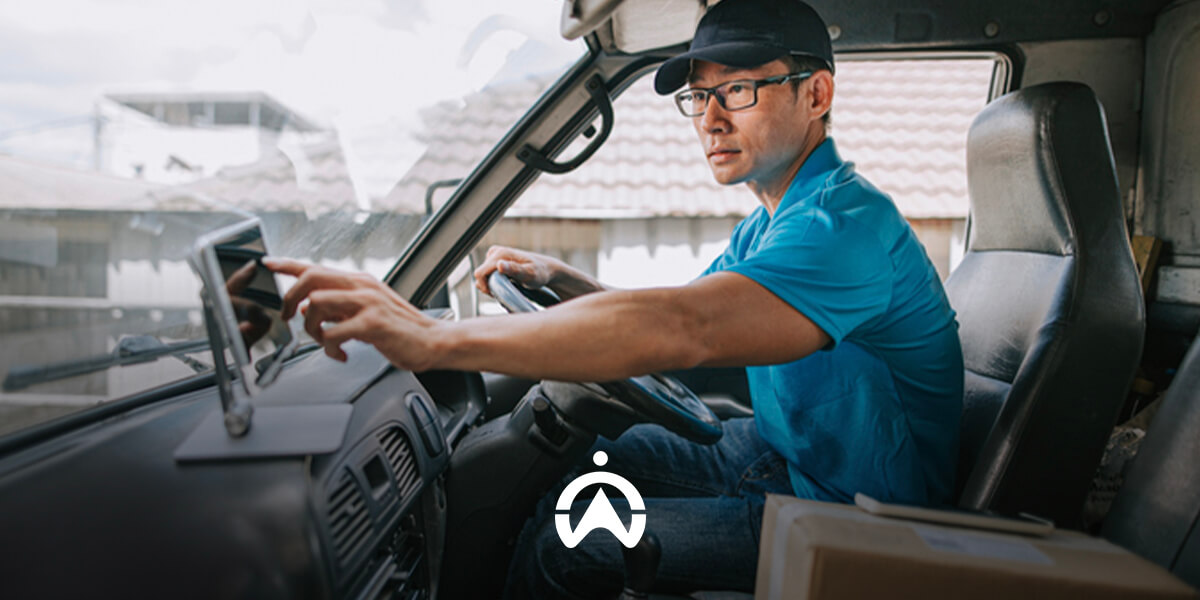
For example, you own a catering business that's inundated with orders, requiring you to deliver dozens of orders to various locations daily. However, coordinating couriers and arranging deliveries isn't as easy as you might think.
You've started receiving frequent complaints about late orders due to couriers determining their own, often ineffective, delivery routes. Knowing this, you want to improve efficiency, but unfortunately, you don't have much data to evaluate.
All of these challenges can be resolved by using a Delivery Management System, which allows you to manage all deliveries in a single dashboard. So, what is a delivery management system and how does it work? Let’s find out more!
What is a Delivery Management System?
A Delivery Management System(DMS) is a system that enables companies and business owners to manage and coordinate the delivery of goods. This system is typically available as a digital platform with a dashboard that serves as your central control hub.
Through the dashboard, you can schedule and manage deliveries, track driver locations, and optimise delivery routes for greater efficiency. You can also access the proof of delivery submitted by drivers once a delivery has been completed.
Delivery and logistics companies such as JNE, TIKI, and similar service providers commonly use a DMS to manage their operations. However, a DMS is also ideal for online stores, made-to-order food businesses, and other businesses that offer on-demand or same-day delivery services.
Benefits of Delivery Management System
There are many benefits you can get if you use a delivery management system, such as:
1. Simplify Shipping Management
The primary function of a Delivery Management System is to simplify the process of managing and scheduling deliveries. It also allows you to track orders and receive confirmation once they have been delivered, ensuring the delivery process is completed successfully.
2. Optimising Routes
A Delivery Management System also helps you optimise delivery routes, making every delivery more efficient. You no longer need to manually schedule deliveries for each driver or determine the most efficient routes to save time and reduce fuel consumption.
3. Perform Real-time Tracking
You can also monitor the real-time location of each courier, allowing you to confirm that they are actively carrying out deliveries. This also helps improve courier accountability and ensures orders are delivered on time.
4. Improve Operational Efficiency
Automated route management and optimisation will improve time and budget efficiency when it comes to shipping goods. Furthermore, real-time tracking will minimise vehicle misuse by drivers.
5. Improve Customer Satisfaction
Faster deliveries lead to higher customer satisfaction with the service provided. In the long run, this contributes to business growth and sustainability, as customer satisfaction remains a top priority.
Also Read: How to Build a Successful Delivery Business
Features and How the Delivery Management System Works
Now that you understand what a Delivery Management System is and the benefits it offers, let's take a look at how it works. In general, the way a Delivery Management System operates is closely linked to its core features.
1. Input Shipping Data
First, you, as a business owner or administrator, can enter address information and delivery details into the system. On some platforms, you may also be able to pinpoint locations on a map for more accurate delivery.
2. Courier Assignment
You can assign specific deliveries to available or active couriers. For larger delivery operations, you can also use the automatic assignment feature, allowing the system to distribute tasks among couriers fairly and efficiently.
3. Automatic Best Route
In addition to automatically assigning deliveries, the Delivery Management System can also select the most efficient routes for each courier. This eliminates the need for drivers to plan their own routes, enabling them to complete deliveries more quickly and efficiently.
4. Courier Tracking
As a business owner, you can also directly monitor the movements of your couriers as they carry out their duties. This feature allows you to determine whether couriers are actually following their routes or making unnecessary stops.
5. Proof of Delivery (POD)
Furthermore, when the shipment arrives at its destination, the driver can also directly upload proof of delivery (Proof of Delivery). This proof can be a photo of the item upon receipt or a digital signature of the recipient, which you can see on the dashboard.
6. Reports & Analysis
Data and reports related to delivery and courier performance can be used for evaluation and analysis. Therefore, a delivery management system will be extremely beneficial for those seeking more structured and measurable operations.
Differences Between Manual and Digital Shipping Management
So what's the difference between managing deliveries manually and using a delivery management system? To make it easier, you can see the differences in the table below.
|
Aspect |
Manual Management |
Management with DMS |
|
Courier Assignment |
Must be noted and notified one by one (via chat/telephone) |
Automatically allocated to the nearest and available courier |
|
Route Optimisation |
The courier determines the route himself or uses Google Maps manually. |
The system selects the fastest and most fuel-efficient route. |
|
Shipment Tracking |
Unable to monitor courier position in real-time |
Can see courier movements directly on the dashboard |
|
Proof of Delivery (POD) |
Using the receipt form or chat proof of delivery manually |
There are photo features, digital signatures, and automatic updates to customers. |
|
Estimated Time of Arrival (ETA) |
Must be asked directly to the courier and notified manually to the customer |
The system immediately displays accurate estimates to customers. |
|
Security & Control |
The risk of couriers going off-route or misusing vehicles is higher |
There is a travel history that can be checked. |
|
Report & Evaluation |
Must recap data manually and is prone to human error |
The automated system generates delivery performance reports. |
Optimise Your Deliveries with Cartrack Delivery
Based on the comparison above, you can see that digital delivery management with a delivery management system is superior to manual methods. However, not all delivery management systems have the functional features to meet all your business needs.
Therefore, you need a comprehensive and easy-to-use Delivery Management System solution, like Cartrack Delivery. Cartrack's delivery management solution allows you to:
-
Streamline Deliveries: With Cartrack Delivery, you can manage deliveries efficiently. From importing delivery lists, to automatic scheduling, to instantly delegating couriers.
-
Easy-to-Use App: In addition to a comprehensive dashboard for you, Cartrack has also developed an easy-to-use app for couriers. With its user-friendly interface, couriers don't need any additional training to use it.
-
Route Optimisation: Don't let your orders be delayed because the courier determines their own route. With the route optimisation feature, you can find the most efficient route for each courier, saving delivery time and fuel.
-
Sending Notifications to Customers: Cartrack Delivery also provides email notifications when an order is shipped, along with a link for live tracking. The system will also send an email once the order is received.
-
Receive Electronic Proof of Delivery (POD): Receive digital proof of delivery uploaded directly by the courier upon delivery completion. This digital proof can be an electronic signature or a photo of the package received.
-
Get a Complete Report: For accounting and evaluation purposes, you can also download Job Reports and Driver Reports. Each contains complete data on deliveries and the drivers/couriers on duty.
Also Read: 5 Ways to Improve On-Time and On-Time Delivery
In this digital era, manual delivery management is no longer reliable due to its vulnerability to human error. With a delivery management system like Cartrack, you can manage all delivery processes quickly, accurately, and efficiently.
From real-time tracking and route optimisation to downloading automated reports, you can manage everything from a single platform. Improve your delivery efficiency today! Complete the form below to receive a special offer from Cartrack.