EN
EN  ID
ID 


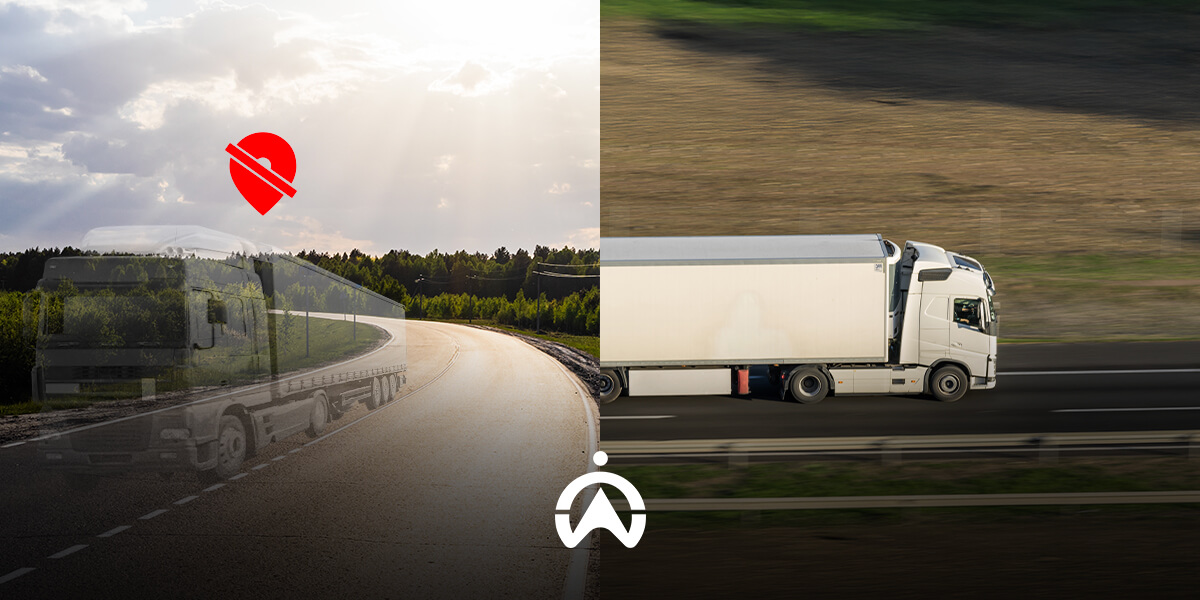
When you use Google Maps, there are times when your location is inaccurate, or the navigation to your destination is inaccurate. This can easily lead to you taking the wrong route and getting lost on dead ends or impassable paths.
The same thing can happen when you use a GPS tracker to track operational vehicles. Sometimes the vehicle's location may be inaccurate due to limitations of GPS technology itself.
Knowing How GPS Works
GPS location determination uses the principle of multi-location, where location is determined by collecting data from at least five satellites. A car's GPS device receives and reflects satellite signals back to determine its location.
In fleet management systems, telematics devices installed in vehicles are also equipped with SIM cards. This allows the devices to transmit data to a server, allowing real-time access to the data on the fleet management dashboard.
Also Read: Best Car GPS from Cartrack
8 Causes of Inaccurate GPS
There are several reasons why determining location with GPS becomes inaccurate or is hampered, namely:
1. Physical barriers
When you're in a location surrounded by buildings or bridges, signals can be obstructed or multi-pathed due to reflections. This can cause inaccurate location, as the reflected signals are also sent as data to the satellite, causing confusion.
2. Location indoors or in the basement
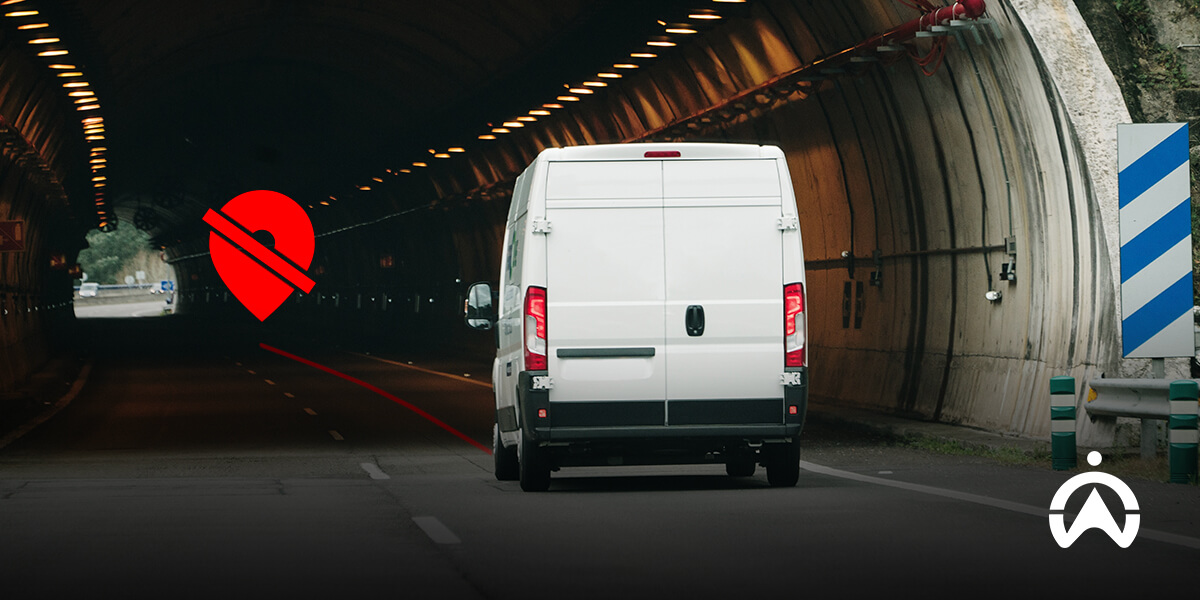
Being indoors also blocks GPS signal reception due to the concrete structure of the building. The same thing happens when you're in a building's basement or walking through a tunnel.
3. Cellular network problems
Fleet monitoring uses the internet to send location information to a cloud server. When cellular networks are problematic, location data transmission may be delayed, resulting in inaccurate locations.
4. Cold start
A cold start occurs when a device is reactivated after a period of inactivity. The system typically needs time to download data from satellites to provide an accurate location.
5. Armored vehicles
Some types of vehicles have metal coatings, such as armored police tactical vehicles (rantis). This metal can interfere with the satellite signals needed by tracking devices to determine location.
6. Use of GPS blocker/jammer
Certain devices, such as GPS blockers or GPS jammers, can also prevent a vehicle from being tracked by GPS systems. If you track a vehicle with these devices installed, you won't be able to monitor it on a digital map.
7. Not enough satellites
GPS devices typically receive more than five satellites to accurately determine their position. Occasionally, satellites undergo maintenance or change direction, leaving certain areas out of range, causing GPS inaccuracies.
8. Problems with the device
Reason Another possible cause of inaccuracy is a problem with the GPS device, such as a dead battery or other damage. You should check the device or notify your service provider for immediate attention.
Understanding the GNSS Navigation System and How It Differs from GPS
How to Fix Inaccurate GPS
Inaccurate GPS on smartphones and on GPS tracker monitoring dashboards can generally be resolved in the following ways:
1. Make sure the GPS feature is active
If you're using GPS navigation on your smartphone, first make sure the GPS or Location feature is enabled. If this feature isn't enabled, your device won't be able to receive signals from satellites and won't be able to use the navigation feature.
2. Check the internet network
Without an internet connection, applications like Google Maps can only be used within specific, pre-downloaded areas. Meanwhile, GPS trackers for fleet management use the internet to send location data to the server.
3. Update the application
If you don't have automatic app updates enabled, try manually updating GPS apps like Google Maps. Outdated software can often cause errors and bugs.
4. Hapus cache
If it still doesn't work, select the "Settings" menu on your smartphone, select the navigation app (Google Maps, Waze), then select clear cache. This will remove the app's usage "junk," making it run more smoothly and smoothly.
5. Enable high accuracy mode
You can also improve accuracy by enabling high accuracy mode in the location settings. This mode will increase accuracy by collecting data from cell towers (BTS), Wi-Fi, and Bluetooth in addition to location data from satellites.
6. Turn off battery saving mode
When you use battery saving mode, some features may be reduced in performance, including GPS or "Location." This will result in inaccurate positioning and possibly lead to "lost" navigation.
7. Go to an open place
When you're near tall buildings, in tunnels, or in basements, you'll naturally have difficulty picking up satellite signals. The only way to get an accurate location is to get out into the open and away from tall buildings.
8. Check for device damage
Finally, if the GPS is still inaccurate, you should check both the GPS device and the smartphone for possible damage. You may need to restart the device or possibly require a repair that involves disassembling it.
High Accuracy GPS Tracker Recommendations from Cartrack
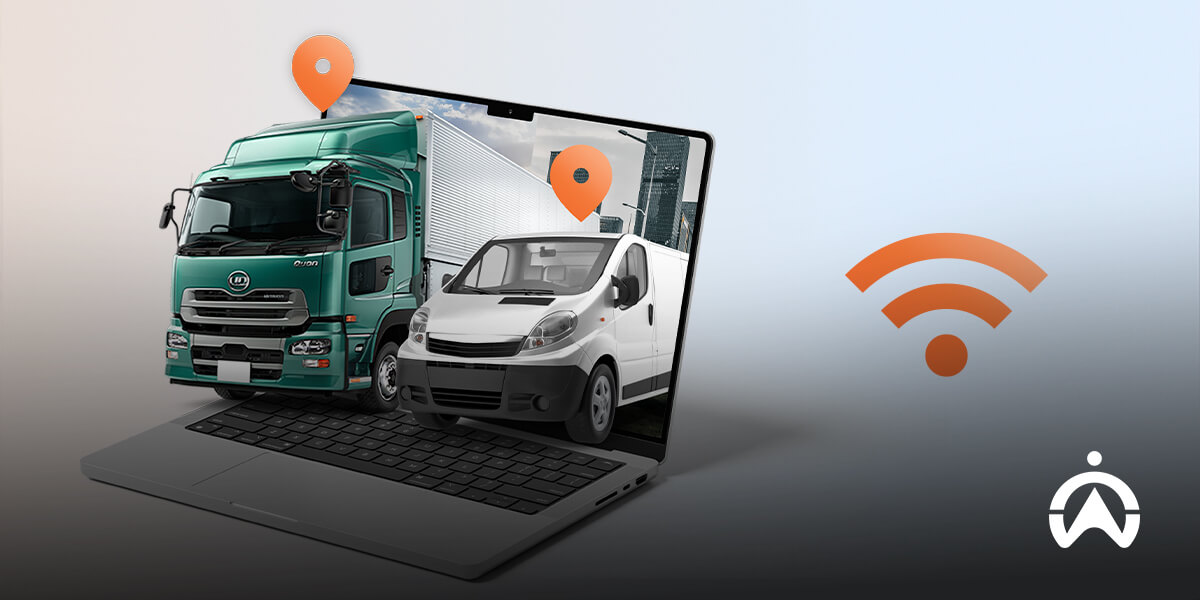
For fleet management needs, you need a highly accurate GPS tracker for optimal monitoring. You can use a GPS tracker that's part of the Cartrack Fleet Management System.
Some of the advantages of the GPS Tracker from Cartrack are:
-
Real-time GPS tracking with accuracy up to 5 meters
-
Fleet travel history
-
Geofence configuration (operational zones/no-go zones)
-
Aggressive driving detection (harsh braking, harsh acceleration, and harsh cornering)
-
Security notification
-
Automatic and periodic reports
-
Access dashboard via web & app
-
24/7 customer support
With subscription rental prices starting at Rp150,000/month/unit, you won't be charged for the device or installation. You'll also receive a one-month internet quota and software training from the Cartrack team.
Not only that, you can also add additional features like fuel monitoring, AI and non-AI cameras, delivery, and more. Complete your personal details in the form on this page to receive the best offers from the Cartrack team.
See Also: Cartrack GPS Tracker, the Right Solution for Public Transportation Companies