
2 Main Factors That Affect the Accuracy of GPS Vehicle Trackers

Vehicle tracking devices use the Global Navigation Satellite System (GNSS) to determine an approximate location. One type of GNSS widely used in Indonesia is the Global Positioning System (GPS), developed by the United States. Other types of GNSS include GLONASS from Russia, BeiDou from China, and Galileo from the European Union.

Although commonly known as a GPS tracker, a vehicle tracking device uses not only GPS but also several other satellite systems, so that the estimated location is more accurate. This accuracy indicates how close the satellite measurement is to the actual position.

What are the main factors that affect the accuracy of GPS vehicle tracking? Here's an explanation

1. Number and Position of Satellites

To provide a more accurate location estimate, a vehicle tracking device needs at least four satellites, consisting of GNSS and its augmentation systems. These augmentation satellite systems are needed to improve navigation system performance, such as accuracy, reliability, and availability. The more satellites used to calculate a position, the better the level of accuracy.

In addition to the number of global navigation satellites and their augmentation, the position or distribution of the satellites providing positioning also has a significant impact on accuracy. Generally, a set of satellites spread over a wider area of ​​the sky will provide more accurate location readings (the greater the angle between the receiver's position and the satellites used, the more accurate).

Visualisasi pelacak kendaraan pada skrin laptop menunjukkan sistem pemantauan lori melalui isyarat GPS.

2. Obstacles to Signal Propagation

Signals from satellites to GPS receiversmust travel long distances. The propagation space of the signal, both in the atmosphere and on Earth, greatly affects signal strength and positioning accuracy. The ionosphere, the fourth layer of the Earth’s atmosphere, slows down GPS signal speed due to the ionisation of particles. The troposphere, the lowest layer of the Earth’s atmosphere, can sometimes cause radio signal reflections.

Once the signal reaches Earth, several obstructions can block or reflect GPS signals, resulting in positioning errors or delays. These include tall buildings, tunnels, flyovers, steel-plate or concrete roofs, trees, land formations (mountains, cliffs, and so on), heavily tinted window film (a maximum of 60% is recommended), and even the human body. The position of the device inside the vehicle also affects signal propagation, so try to keep it from being blocked by too many surfaces.

Cartrack's own tracking devices have an accuracy of 2.5–5 metres, with two types of GNSS and four types of satellite-based augmentation system (SBAS). This allows users to get reasonably accurate location information. To address signal propagation obstructions, Cartrack will add an external antenna. This signal booster is usually needed for vehicles operating in areas with poor signal, such as vehicles on palm oil plantations and speedboats. Click here to start your vehicle tracking experience with Cartrack!
6 Digitalisation Tips to Prepare Your Delivery Fleet for Increased Demand

Consumer shopping trends on e-commerce platforms have risen significantly, and this trend is predicted to continue. With more and more people shopping online, how can delivery fleets meet such high demand volumes?

1. Use the Right Fleet Management Platform

To manage such a heavy workload, you need an integrated, practical platform that is accessible 24/7 from anywhere. Web-based software, such as Cartrack’s Fleet Web, is the ideal solution. You can work and access data from any location at any time, requiring only a web browser and an internet connection. The Cartrack platform is also fully integrated, allowing you to manage your fleet comprehensively—from vehicle tracking, driver assignments, and maintenance scheduling to report generation and fleet cost management—all within a single system.

2. Automation of Administrative Work

Reduce repetitive administrative tasks by automating them, allowing you to focus more on meeting high delivery demand. With Cartrack's fleet management system, you can automate maintenance scheduling and document renewals based on date, mileage, and operational duration. Another task that can be automated is report generation. There are over 100 types of reports available on Cartrack Fleet Web that you can download or schedule to be sent automatically via email.

3. Check Vehicle Usage Level

Cartrack’s fleet management system provides insights into the usage levels of individual vehicles—such as distance and travel time, trip frequency, and idling duration. By comparing usage rates among similar vehicles within your fleet, you can determine the overall productivity of your vehicles and identify those that are underutilised or overworked. Based on this data, you can consider more balanced task allocation or add vehicles and delivery personnel to handle surges in demand.

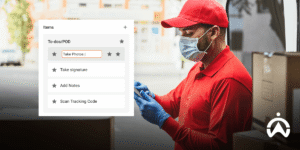
Couriers in red uniforms scan packages using a digital app to streamline delivery fleets as demand increases.

4. Digitise Delivery Assignments

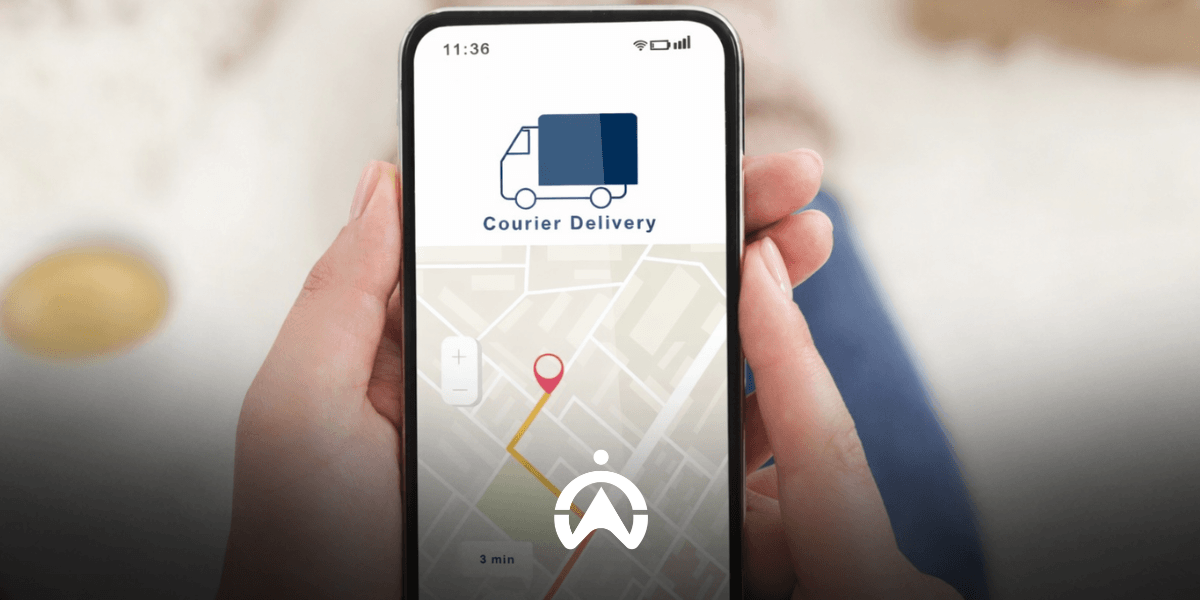
Shift your dispatch operations to a digital platform, allowing you to assign tasks to drivers regardless of their location. With Cartrack’s delivery dispatch features, drivers can receive assignments—including details such as location, contact information, item barcodes for scanning, step-by-step sequences, and scheduled start and end times—directly on their mobile phones. Proof of task completion, such as photos or digital signatures, can also be submitted via mobile, complete with geolocation and timestamp data. The barcode scanning function facilitates the logging of collected inventory. You can monitor all activities and task progress through the Fleet Web platform.

5. Implement a System That Makes it Easy for Drivers to Report Vehicle Problems

Amidst your busy delivery schedule, you also need to ensure your vehicles are in good operating condition to maintain productivity. In addition to a vehicle maintenance scheduling feature (which can be configured based on date, mileage, and operating hours), you also need a system for drivers to report vehicle issues. You can utilise the Electronic Driver Vehicle Inspection Report (eDVIR) feature in your fleet management system. This feature allows drivers to report vehicle issues, complete with odometer and location information, and photographic evidence, anytime and anywhere. Reports are immediately entered into a centralised system for immediate action.

6. Keep Fleet Costs Efficient

Keep your fleet costs efficient so you can allocate your budget toward expanding your fleet. A fleet management system helps you operate efficiently while using data to identify areas of inefficiency. You can track factors that drive up costs—such as aggressive driving, excessive idling, inefficient routing, vehicle misuse, and fuel fraud or theft. This data-driven insight enables you to effectively address inefficiencies. By maintaining efficient operating costs, you can continue to offer your delivery services to customers at affordable rates.

Digitalisation is the solution to increasing your delivery fleet capacity to meet increasing demand. Prepare your delivery fleet for this surge in demand by starting with the Cartrack fleet management system. Send us a message here and get a free online demo.


5 Benefits of GPS Tracking Based Fleet Management System for Taxi Companies

GPS-based fleet management systems have become a necessity for taxi companies. This technology is touted as a way to help you manage your business more efficiently. So, how exactly does this technology benefit your taxi business? Read on to find out. 

1. Tracking and Assignment Efficiency

With real-time GPS tracking, operators can quickly view nearby drivers and estimated travel times to customer locations. This makes it easier for you to promptly assign drivers to customer locations.

2. Improving Taxi Productivity

Fleet management systems like Cartrack provide a range of automated reports to help you identify inefficiencies in taxi usage. You can view the trip history of individual taxis and compare their mileage, total trip duration, and operating areas. Based on this information, you can reallocate underutilised taxis to areas with high demand.

3. Track Income

The Logbook feature in the mobile app makes it easy for drivers to record every paid trip and categorise it as a business trip. Using the Logbook report, you can determine the total business trip mileage for each taxi and convert it into Rupiah to calculate your earnings.

Barisan taksi putih dengan sistem manajemen armada terparkir rapi

4. Driver and Passenger Safety Guaranteed

Driving behaviour monitoring (using vehicle-based systems or AI-powered cameras), Driver Score Reports, and Driver Safety Reports enable you to identify which drivers require safety training. Monitored parameters include speeding, sharp cornering, hard braking, harsh acceleration, fatigue, distracted driving, and failure to wear seatbelts. Consequently, you can reduce the risk of accidents, fines, and vehicle maintenance costs, while also enhancing passenger satisfaction.

5. Longer Service Life for Taxis

The fleet management platform allows you to easily manage preventive maintenance for each taxi based on date, mileage, and operational duration. Notifications can be configured to be sent a certain amount of time or distance prior to the scheduled maintenance.

In addition, there is the electronic driver vehicle inspection report (eDVIR) system. Drivers can report taxi issues or defects from any location using eDVIR, providing photographic evidence, descriptions, and location details. Reports are transmitted directly to the central system for immediate follow-up. With no excuse to overlook vehicle maintenance, taxis remain in prime condition and enjoy a longer service life.

Make your taxi operations more productive and efficient by using a GPS-based fleet management system. Track taxi and driver job history, create and dispatch assignments, and manage vehicle maintenance with Cartrack’s fleet management system—all from a single platform. Contact us here to start digitising your taxi fleet management with Cartrack and get a free online demo from our team.

7 Fleet Management System Features to Detect Vehicle Misuse

Vehicle misuse can harm your company. Therefore, you need a monitoring system that provides comprehensive visibility into how your vehicles are being used. GPS tracking-based fleet management systems, such as Cartrack, offer several features that can help you detect vehicle misuse.

1. Starter Notifications

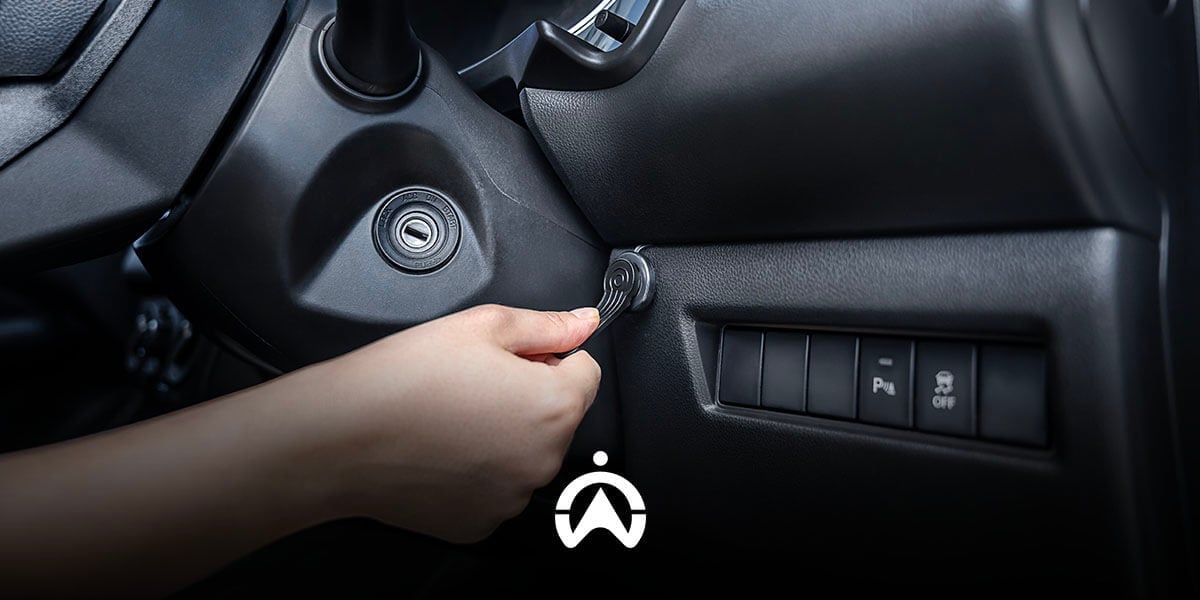
You can monitor both the use and misuse of vehicles by utilising starter notifications. Alerts are sent when a vehicle’s ignition is turned on and/or off, along with location information. This allows you to verify whether the monitored vehicles are being operated at the correct time and location or not. This feature is effective for those managing a small number of vehicles, or for monitoring specific vehicles that are suspected of having a history of misuse.

2. Unscheduled Use Alerts

Vehicle use outside the scheduled plan can be detected using this feature. Operators set alerts by entering the usage schedule for each vehicle. Notifications are automatically sent when a vehicle becomes active outside the defined hours and days. This feature is suitable for company operational fleets that are shared based on a vehicle booking schedule, or for vehicles that already have fixed operating schedules.

3. Geofence

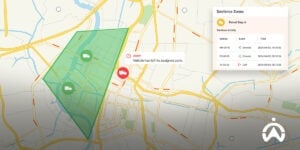
You can also use the geofence feature to track vehicle misuse based on location. You can mark restricted areas that vehicles are not allowed to enter during working hours, such as malls or nightclubs. In addition, you can also define operational zones for your vehicles so that you are notified when a vehicle is taken outside of those designated areas.

4. Route Replay

In addition to geofence, you can also use the route replay feature to check whether there has been any vehicle misuse during operating hours. Route replay displays the historical routes travelled by a vehicle on each trip on a map. One trip is counted from when the ignition is turned on until it is turned off. You can review the route line taken by the vehicle to see whether it deviated to suspicious locations that are not related to work.

Peta geofencing dalam sistem manajemen armada yang menunjukkan ikon truk dan notifikasi peringatan untuk lacak penyalahgunaan kendaraan.

5. Stop Time Reports

Furthermore, you can download Stop Time Reports to view how long a vehicle was stationary at suspicious locations identified through route replay. Alternatively, you can detect questionable stops by reviewing the duration and timing of each stop, then checking the exact location on the map using the route replay feature. This allows you to verify whether the vehicle’s stop activity at that location is legitimate or constitutes vehicle misuse as well as working hours violations.

6. Cargo Door Sensor

To determine whether your vehicle’s cargo is being misused for deliveries outside of work (side jobs), install a cargo door sensor. This feature monitors cargo door open-and-close activity, such as the location and time the cargo door is opened and closed, as well as how long it remains open. Monitoring data from the cargo door sensor can be accessed through the Goods Unloading Report. From this data, you can track whether there are any indications of vehicle cargo misuse.

7. Kamera Pemantau

Camera features integrated with the vehicle GPS tracking system help you visually verify instances of vehicle misuse. For example, you can install cameras in the cargo area to monitor for cargo-related misuse or in the driver's cabin to monitor for unauthorised use of the vehicle.

Minimise the risk of losses caused by misuse of company vehicles by using the Cartrack fleet management system. Based on GPS tracking, Cartrack enables you to detect vehicle misuse through ignition activity, operating time, location, routes, stops, cargo door activity, and video recording. Contact us here to learn more about the Cartrack fleet management system and its available features, which can be tailored to your specific needs.